StickFlow writes the script, creates every scene, adds a natural voiceover and subtitles, and renders the final video. You review each step and keep full control.
Bring your own ChatGPT / Gemini / Flow accounts. No per-video fees from us.
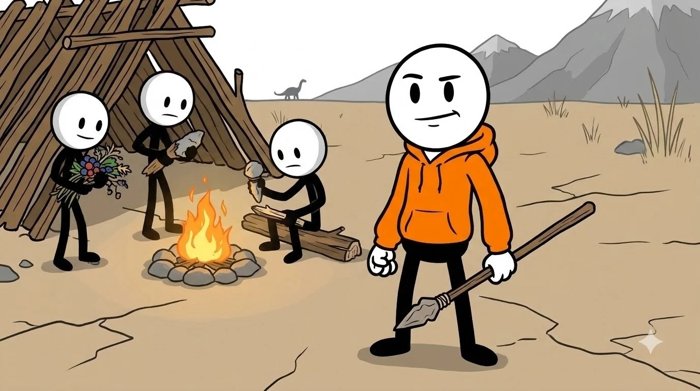
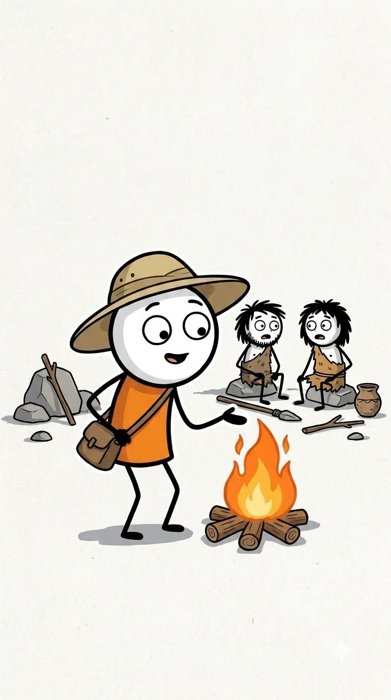
Two real videos from one project, "Ancient Humans & Civilizations", rendered in both formats. Script, images, clips, voiceover and subtitles all came out of the app.
Pick a character once. StickFlow keeps it consistent across all scenes and both formats, using your own Google Flow account.


Each step is a single screen. Run the AI steps one by one, check the result, and move on.
Everything you need to go from blank page to upload-ready MP4.
Narration is sized to the actual scene length, so the voice and the picture stay in sync.
Choose from English voices (Edge TTS, Kokoro) and Vietnamese voices, with emotion built in.
Burned in with a thick outline and safe margins, split into short lines that match the voice.
Trim, speed, zoom, flip, brightness and fade — globally or per scene — before the final merge.
Run several of your AI accounts at the same time to render scenes in parallel.
Everything runs locally. Projects and videos stay on your computer, nothing is uploaded to us.
StickFlow is not a black box. After each stage you can edit the text, regenerate a single scene, or go back and change your mind — then continue.

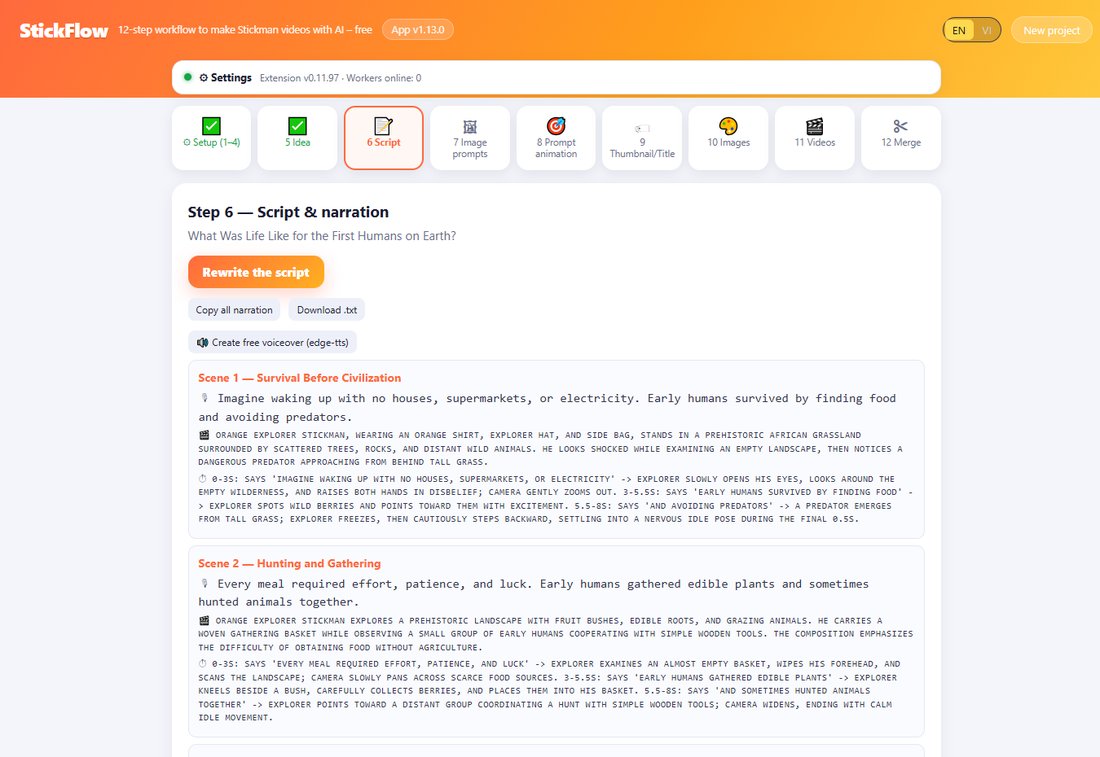
Real StickFlow screens from a finished project.
One license per Windows PC. Pay once for 30 days or save with a full year.
The 30-day plan is available for your first purchase; renewals use the yearly plan. Pay by card or PayPal. Vietnamese bank transfer is also supported.
Short answers to what people ask most.
A Windows PC, Google Chrome, and your own accounts for the AI services you want to use (for example ChatGPT or Gemini for text, and Google Flow for images and video). StickFlow drives them through a small Chrome extension.
No. StickFlow itself has no per-video fee. Any usage limits or costs come from your own AI accounts.
A license is tied to one Windows PC. After you pay, the confirmation page shows an activation key — save it, we do not email it. Paste the key into the app and it activates. A key runs on one PC at a time.
Lite is a small download that uses Edge TTS voices (needs internet). Full also lets you download an offline voice pack for local Vietnamese voices.
On your own computer. Projects, images, clips and the final MP4 are never uploaded to our servers.
A license runs on one PC at a time. To move it, enter the key on the new PC — the old PC is signed out automatically. To use two PCs at once, buy two licenses.
Use the contact details on the purchase confirmation page. When something fails, the app has a "Copy error" button that gives us the full diagnostic.